
Realistic handwriting generator
Natural spacing, with optional variation in the ink.
Margins, line height, and ink flow stay on the same page you are editing.
This handwriting generator puts your typed text on a page you can preview, print, or save as a PDF or image.
Quick guide: type or paste below, adjust the sheet, then click Generate to create the page.
OUTPUT
Clean handwritten pages for printing or PDF.
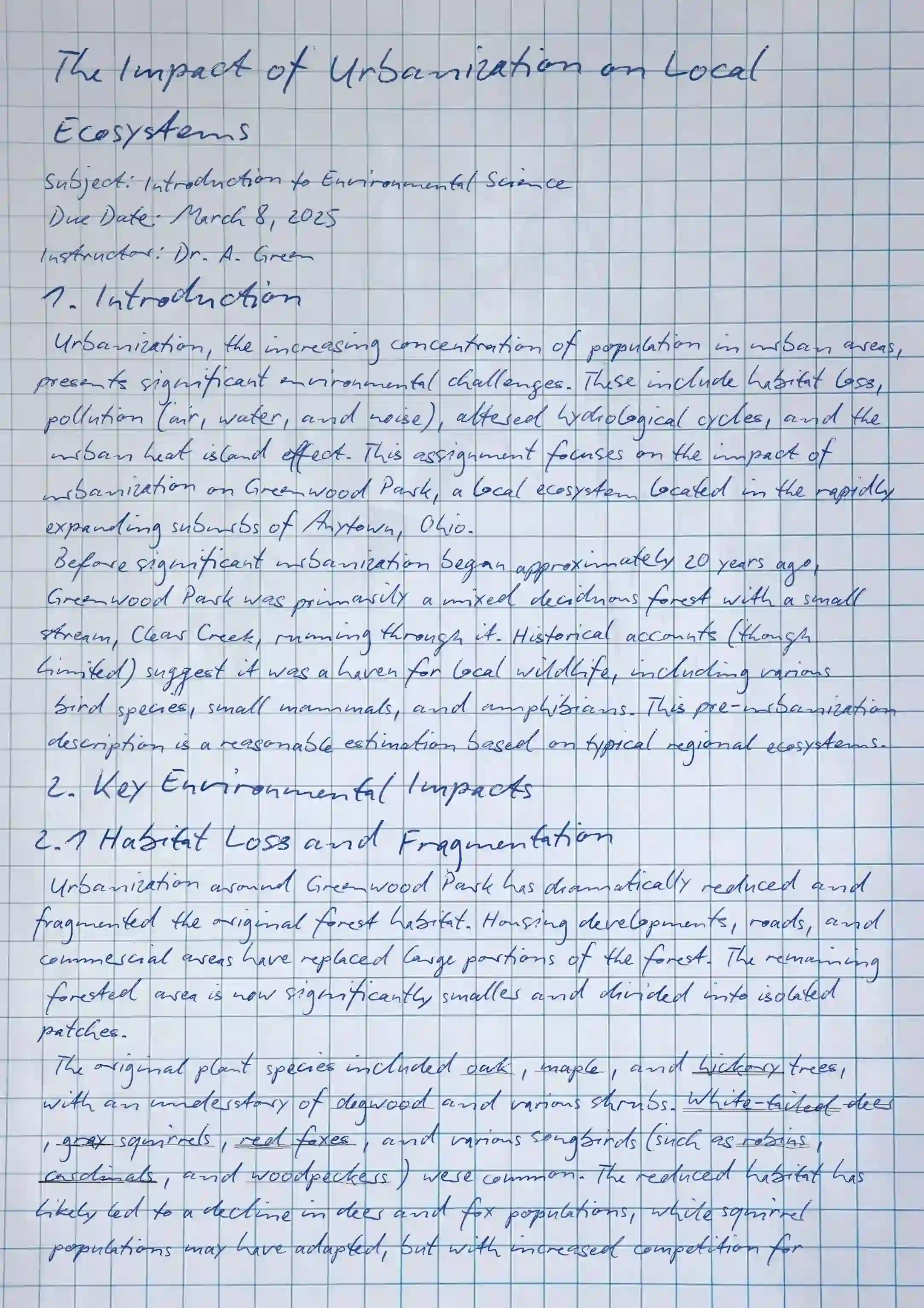
Handwriting AI sets ink flow, spacing, and paper texture. These are the controls on the sheet.
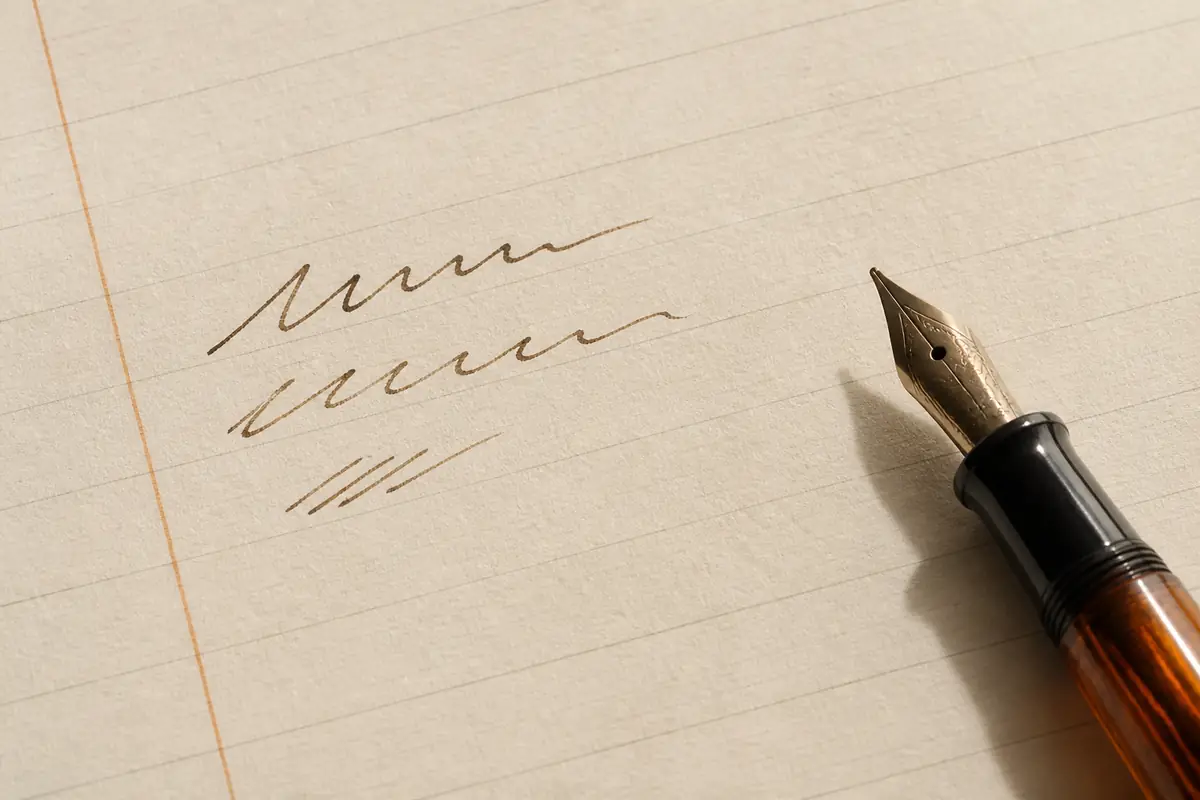
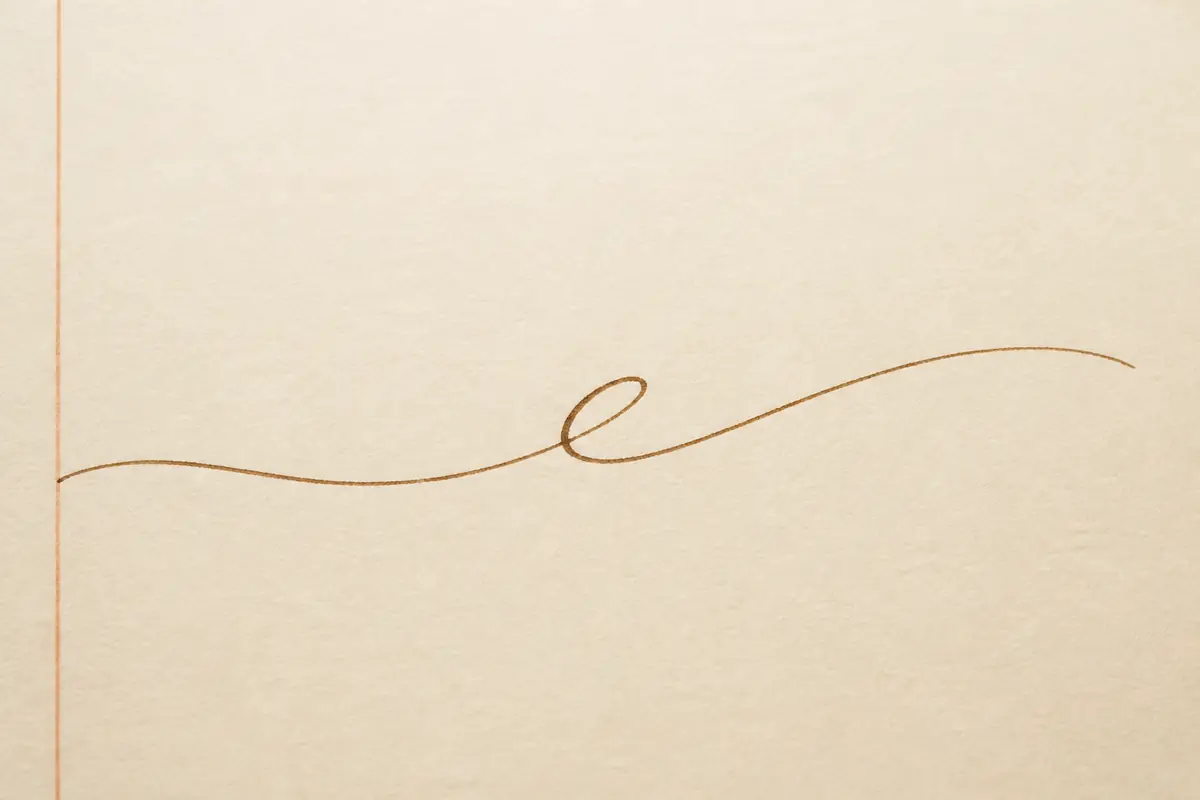
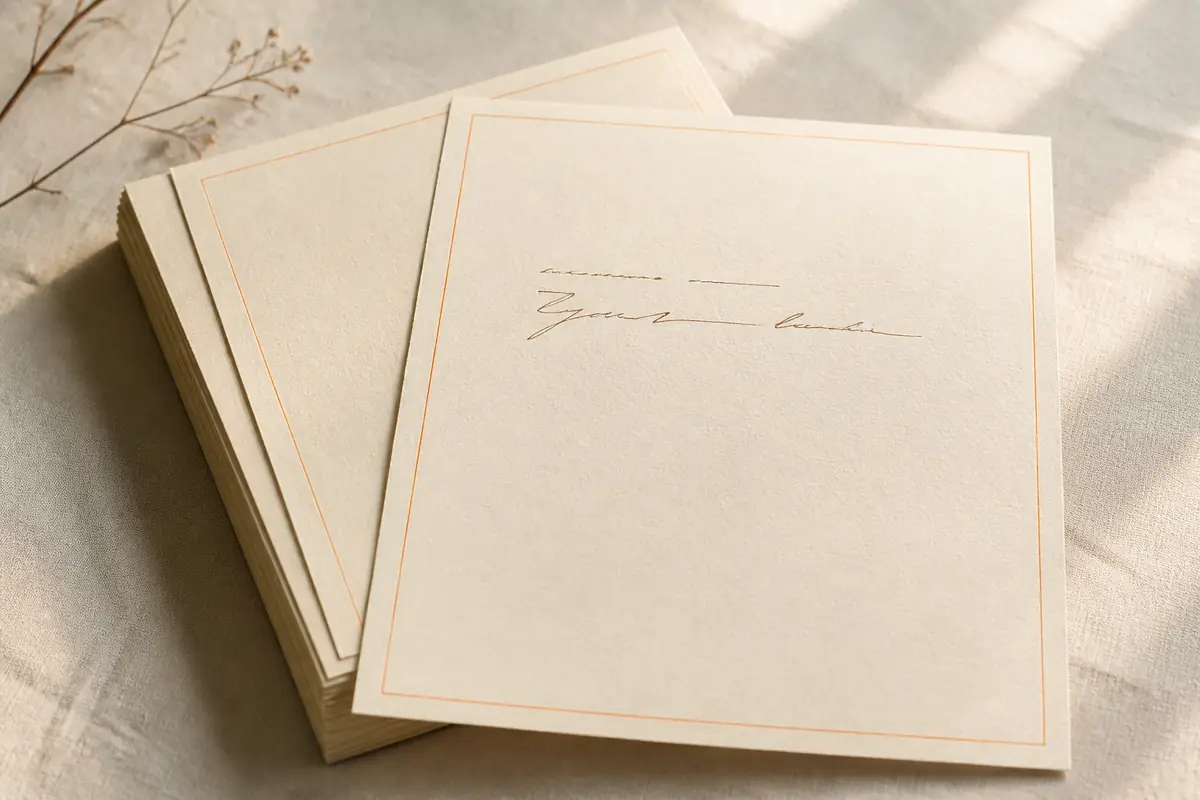
Natural spacing, with optional variation in the ink.
Margins, line height, and ink flow stay on the same page you are editing.
Cursive and script fonts, when that style is what the page needs.
Pick a built-in font, or upload a custom handwriting font on supported plans.
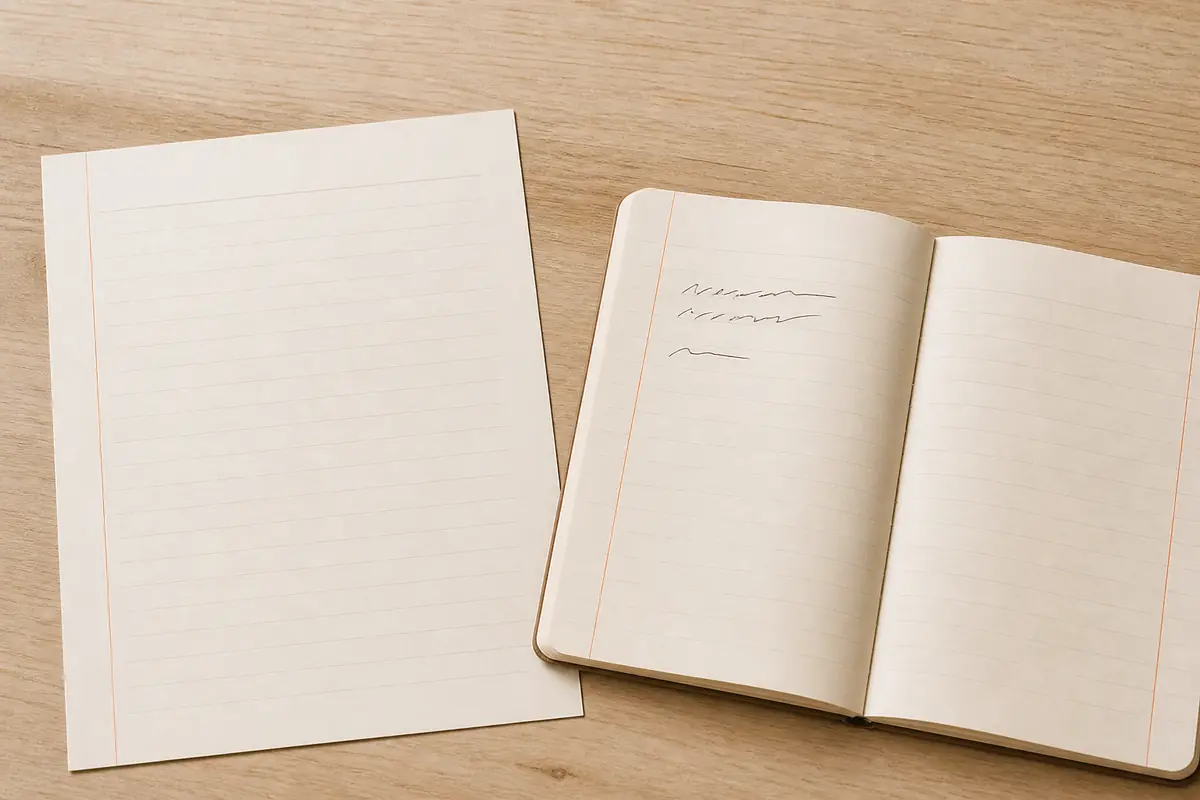
Print mode for a clean sheet. Photo mode for a notebook scene.
Use the flat page when someone will read or print it. Use the scene when the photograph is part of the result.
Save the pages as a PDF or as images.
ZIP is available on every plan. JPEG, PNG, and PDF follow the plan badges in the editor.
Paste the text you already wrote, pick a handwriting font, and choose print paper or a notebook scene. Then generate handwriting on the sheet above. Preview the page, change spacing or margins if you need to, and download a PDF or an image.
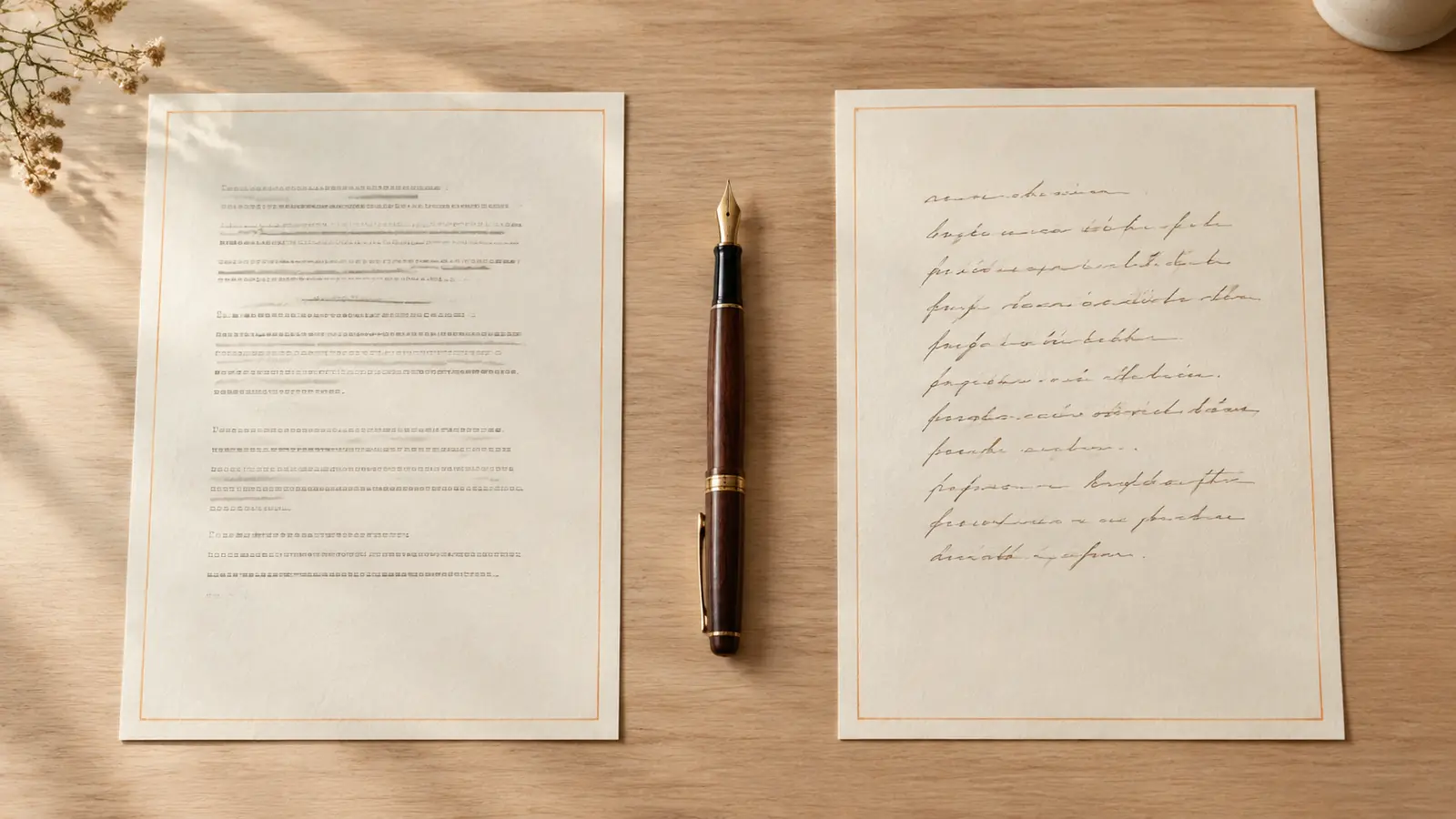
Type or paste into the editor
Start with typed text, headings, or lists. Add tables, images, and math when the document needs them.
Set the font, the paper or scene, and the ink
Pick a font, then choose paper for print or a scene for a photo-style result. Adjust margins, spacing, ink flow, texture, blur, and shading.
Review the page before you download
Click Generate to see the layout on the paper or scene. Change the settings until the page looks right.
Save a PDF or an image
Download the pages, then print them if you need a physical copy. Use them for assignments, study notes, or letters.
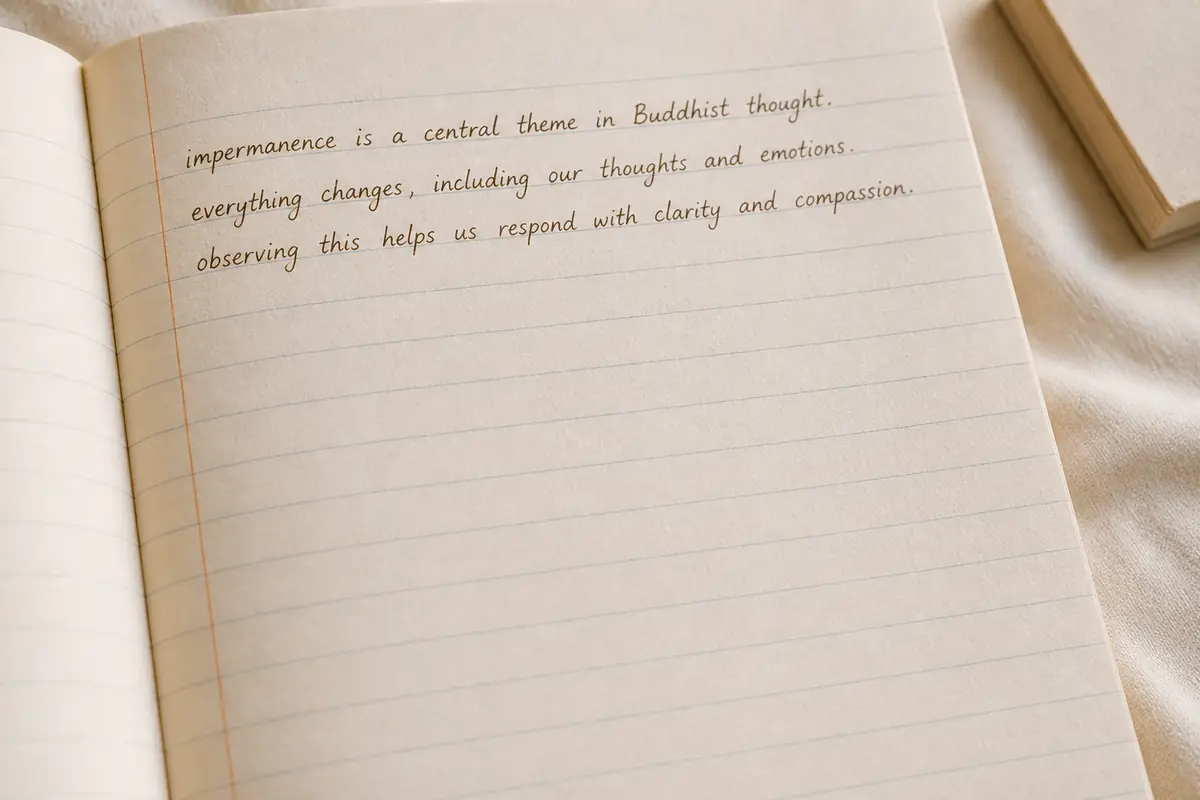
Class notes, study pages, and assignment drafts stay in your own words. Headings, lists, and tables remain on the sheet, and you can download a page to print.
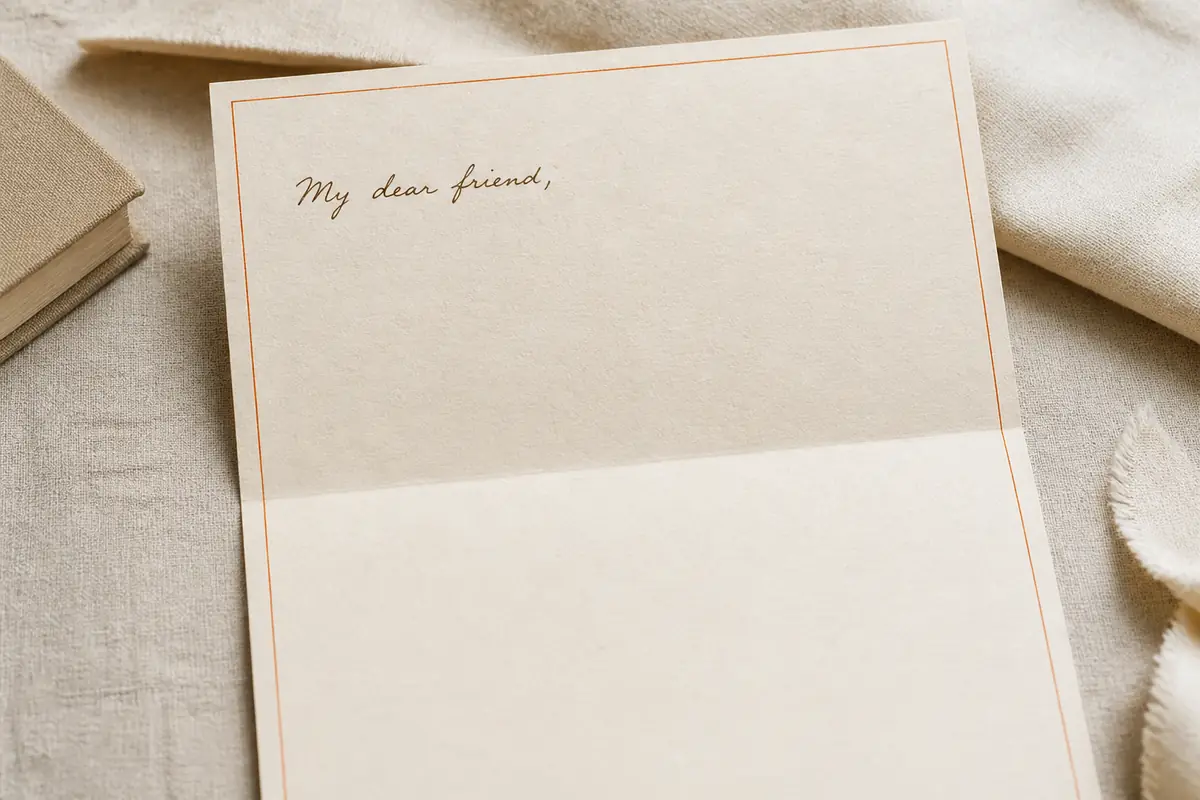
A letter keeps the greeting and the lines you typed. Set the margins and paper, preview the page, and download it to print. Photo mode is there when you want the notebook in the picture.
The page you are editing is the page you download.
Font, margins, and ink change on the page in front of you.
A flat page is for reading and printing. A notebook scene is for when the photograph is the result.
Download a PDF or images. ZIP is on every plan. JPEG, PNG, and PDF follow the plan badges in the editor.
Limits, print versus photo, and what the editor does with your text.
Paste into the editor on this page, choose a font, and pick Print mode or Photo mode. Preview the page, then download it. A signed-in download spends the credit shown next to Download.
Choose a handwriting font, then raise ink flow, texture, blur, or shading if you want the page to look photographed. Print mode stays flatter and easier to read.
It varies ink and spacing on the text you entered, and it can place that text on paper or in a notebook scene. You still pick the font. It does not turn a photo of writing back into typed text.
You type or paste, and the editor renders that text in a handwriting font on the paper you chose. It does not read handwriting from a photo, and it does not install a font on your computer.
Yes. Type or paste on the sheet, or import a PDF, DOCX, or another supported file. Math, images, and tables can stay in the document when you add them.
Use Print mode for clean pages, PDFs, assignments, notes, and letters. Use Photo mode when the writing should sit in a notebook-style scene.
Yes. Start in Print mode, choose the paper and layout, preview, and download. If a large PDF is heavy, use Regular quality or download fewer pages at a time.
The editor accepts up to 1,000,000 characters, including formatting. A PDF can include up to 500 pages, each page image up to 20 MB, and one PDF up to 120 MB. Longer documents should be split before you generate pages.
Open the editor at the top of this page. For billing or refunds, write to the text2hand team.
Used by students and professionals
Registered users include people with email domains from universities and global companies.
Company email domains represented
University email domains represented
Logos indicate registered user email domains and do not imply official partnerships, sponsorships, or endorsements.